

Intempt
All free tools
Design

Free AI banner generator.

Make web and social banners from your message and colors, in leaderboard, social square, and medium rectangle sizes. In Blu, the Brand Designer generates the same set from your catalog in Google Display and email header sizes, with brand tokens applied to every one.

How to use the AI banner generator

It takes three steps and every output renders on this page so you can copy or export it right away.

Enter the copy and colors

Type the offer and CTA, name your brand colors, and pick leaderboard, square, or medium rectangle.

Generate three banners

The AI banner generator returns three layout takes at the size you picked, ready to download as PNG.

Open it inside Intempt

This page makes the set once. In Blu, the Performance Marketer runs it as a standing play: the audience syncs to the ad platform, conversion is recorded first-party, and ROAS is graded against what customers actually paid.

Use in Claude

Blu Agent

Who it's for

  • Marketers launching a campaign across multiple ad placements at once
  • Anyone who needs banners resized for a new platform without rebuilding the layout by hand

What's in the download

  • SKILL.md - The 3 real sizes (leaderboard 728x90, social square 1080x1080, medium rectangle 300x250) and 3-variant output from the browser tool, plus instructions to generate with whatever image-generation MCP is already connected, and a rule to carry the user's stated brand colors through every variant and size.

How to install it

claude.ai or Claude Desktop
Upload as a zip in Capabilities
Paid plan
  1. Open Settings, then Capabilities
  2. Turn on code execution if it isn't already on
  3. Upload the .zip you downloaded
Requires a Pro, Max, Team, or Enterprise plan. Not available on the Free plan.
Claude Code
Drop the folder, it auto-loads
Any plan
  1. Unzip the download
  2. Drop the folder into ~/.claude/skills/ (or .claude/skills/ in a project)
  3. Claude Code finds it automatically
$ ls ~/.claude/skills/
your-new-skill/

What you need

  • Claude Desktop or claude.ai (Pro, Max, Team, or Enterprise for claude.ai upload)
  • Claude Code: no plan restriction
  • An image-generation MCP connected in Claude (any provider) to actually generate the banners

Try it with

  • “Use the ai-banner-generator skill to make a social-square banner for this ad copy and these brand colors”
  • “Generate all 3 sizes for this whole list of campaigns”

Prefer an instant answer? Run it now above.

What you get from the AI banner generator

What it does on this page, and what it does inside Intempt.

A website banner generator sized for real ad slots

  • Web leaderboard at 728x90 for the top of a page
  • Medium rectangle at 300x250 for sidebar and in-content units
  • Social square at 1080x1080 for feed placements
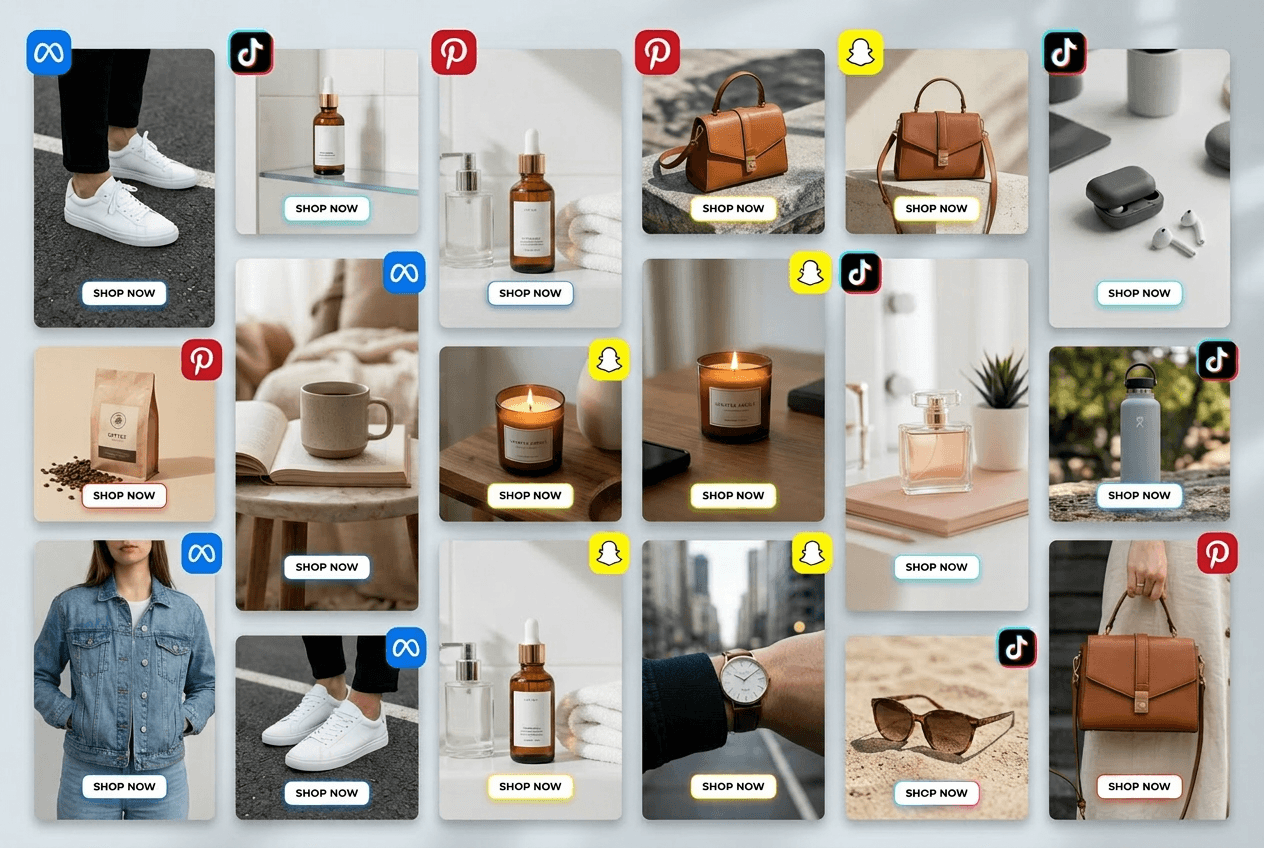
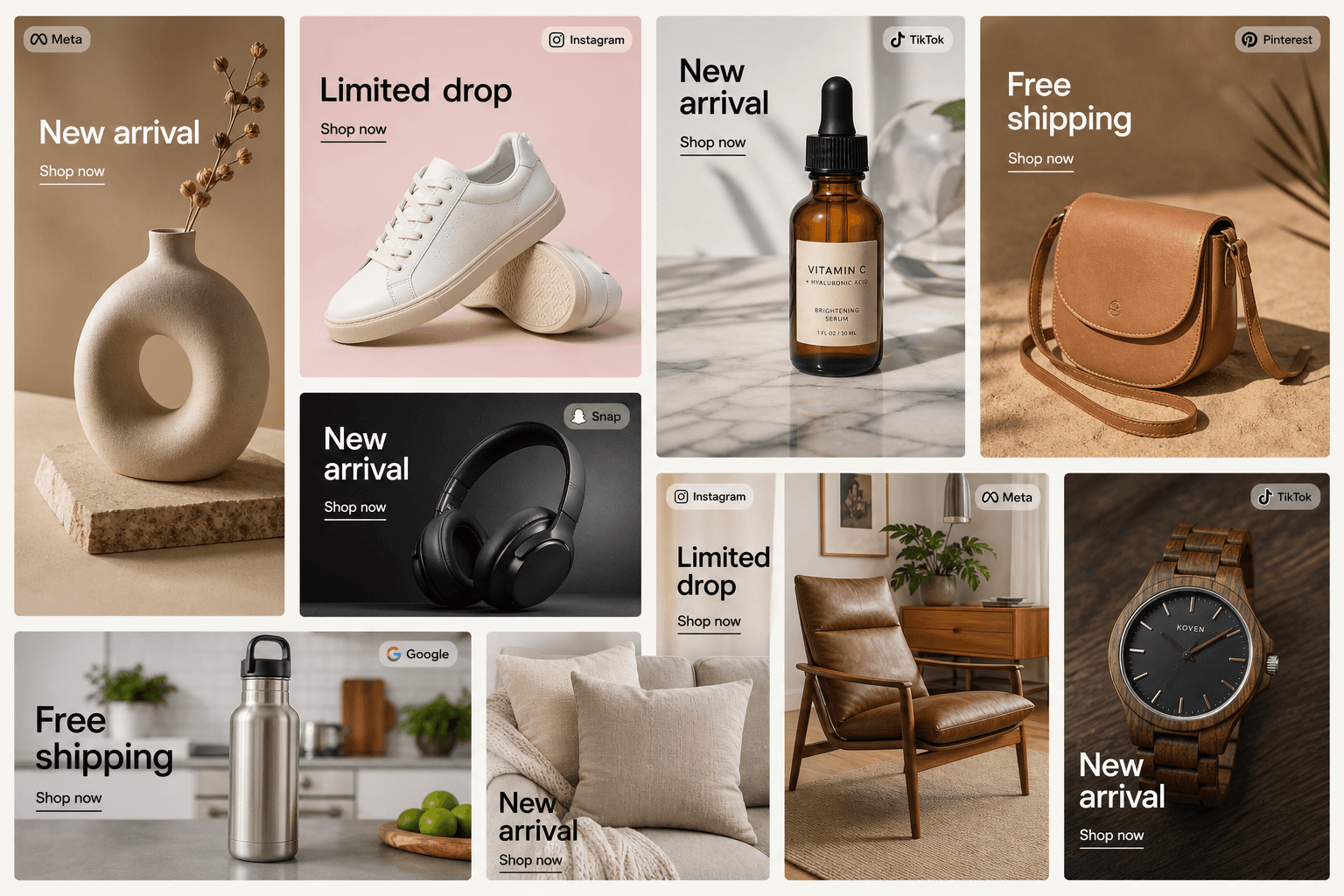
A grid of product ads in different shapes, each with a short headline and a Shop now link, like the banner sizes the tool makes.

A banner maker that works from your ad copy and colors

  • Put the offer and CTA in one box, like a sale with free shipping
  • Name your colors in plain words, like navy blue and gold
  • Each run gives three layouts in PNG with no watermark
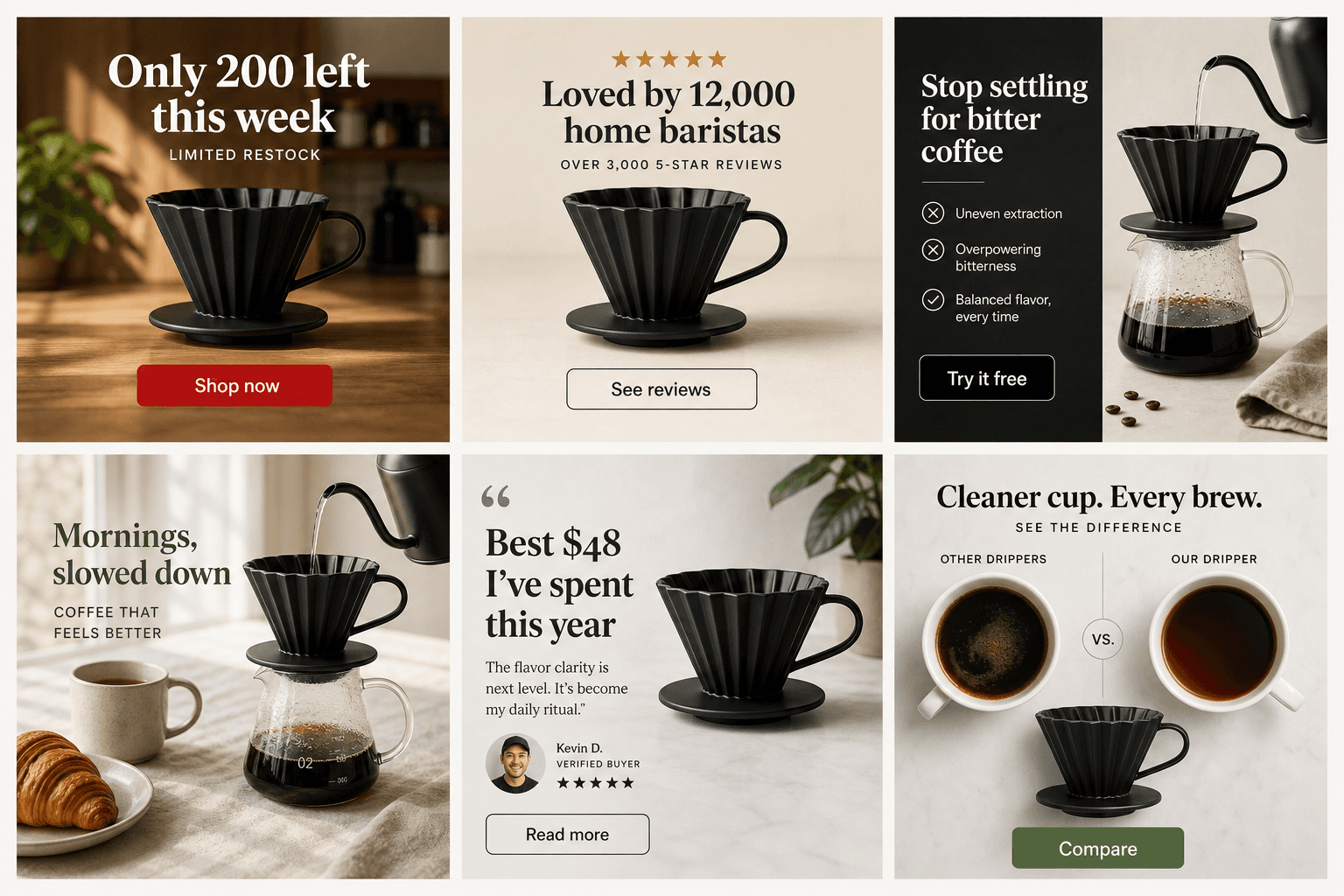
Six square banners for one black coffee dripper, each with its own headline and button, like the three layouts the banner maker returns.

Brand Kit rules are guardrails on every variant

  • The palette holds across every size, no drift
  • The Ad Builder recipe produces social, display, and email sizes in one pass
  • Every banner ships with one treatment, not five
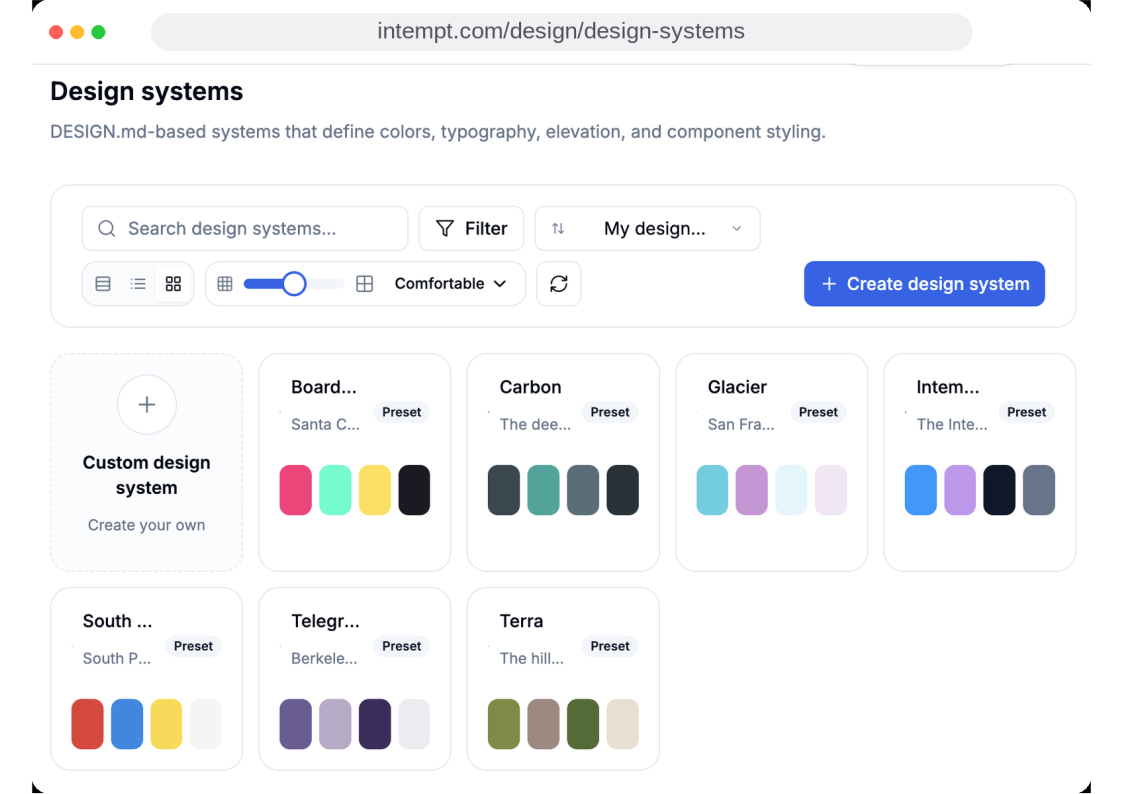
Locked brand-kit design system applied across a family of banners.

Judge ROAS by real revenue, not view-throughs

  • Every ad platform grades its own homework, so conversion is recorded first-party
  • The click, the signup, and the paid account sit on one profile
  • The morning audit ends on a real number
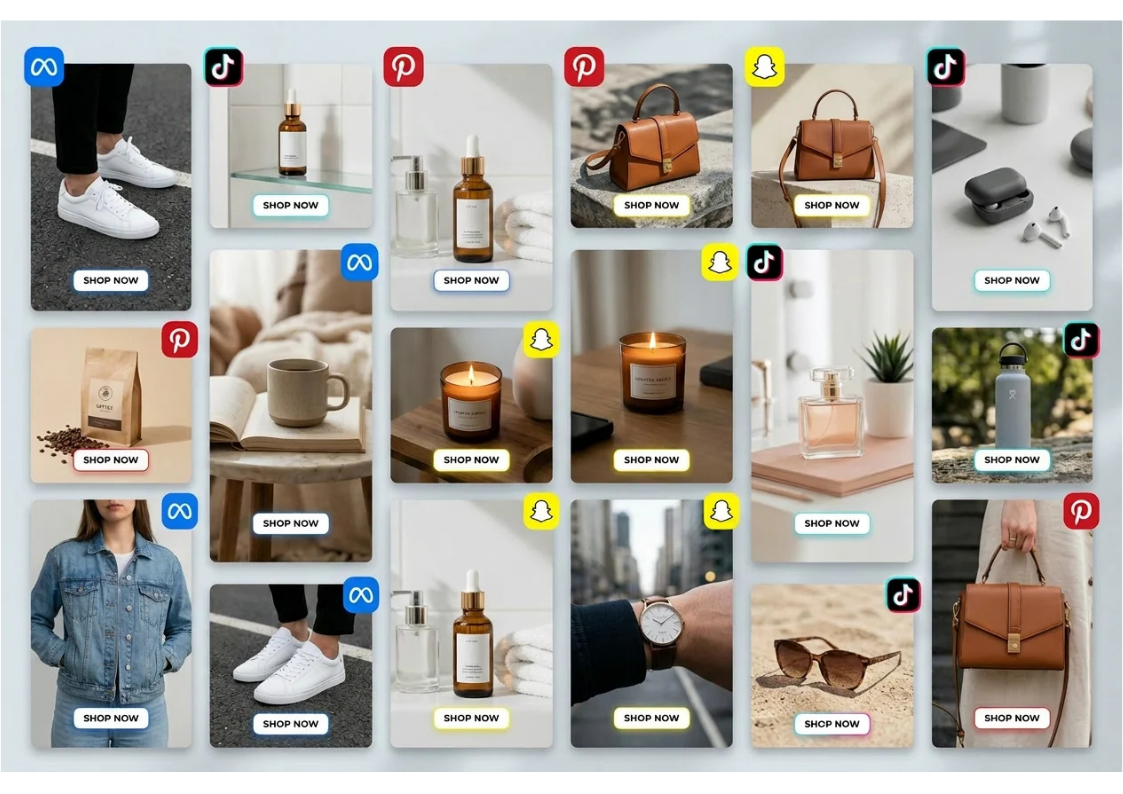
Banner creative running across ad platforms, graded on revenue instead of view-throughs.

See it work on your own output.

Start free

Questions about theAI banner generator.

Yes. Sign up for the free Intempt plan, then generate banners on this page and download them free 3 times a day, and up to 10 times a day across all the tools. Syncing audiences, recording first-party conversion, and grading ROAS sit inside the Intempt free plan: a free plan, no trial timer.

Teams love it

They stopped stitching tools andhired one system.

StockInvest

Acquisition and retention are one connected motion. Personalizing the path before signup only pays off when the same system carries the user through onboarding afterward.

Anonymous traffic was not turning into registered users, and acquisition and retention were run as two separate problems. We ran Experiences on the anonymous visitor flow to put the right content and CTAs in front of each visitor, then handed new signups to automated Journeys for onboarding and deeper engagement.

455,396

users instrumented

Read the full research
FieldsUSA

Judge experiments on revenue per visitor instead of conversion rate. A variant can win on conversions and still lose on revenue, and repeat buying only shows up when the whole journey is in one view.

High-intent shoppers browsed a large, specialized outdoor catalog, and browsing, product interest and purchase history sat in different places. We unified them into one customer view, then ran real-time personalization, intent-based segmentation and timely follow-ups on top of it, judging experiments on revenue per visitor.

Read the full research
Hoperfy

Build the pipeline on observed signals. When follow-ups trigger on intent, the team spends its time on the users who are genuinely engaging.

Static lead lists and timeline-based follow-ups were hiding who was actually engaging. We ran a signal-led outbound pipeline where follow-ups fire on real behavior: outbound replies, onboarding progress and product usage.

Read the full research

Run on real audiences.

The audience syncs, conversion is recorded first-party, and every proposed spend change waits for you.

Start for free